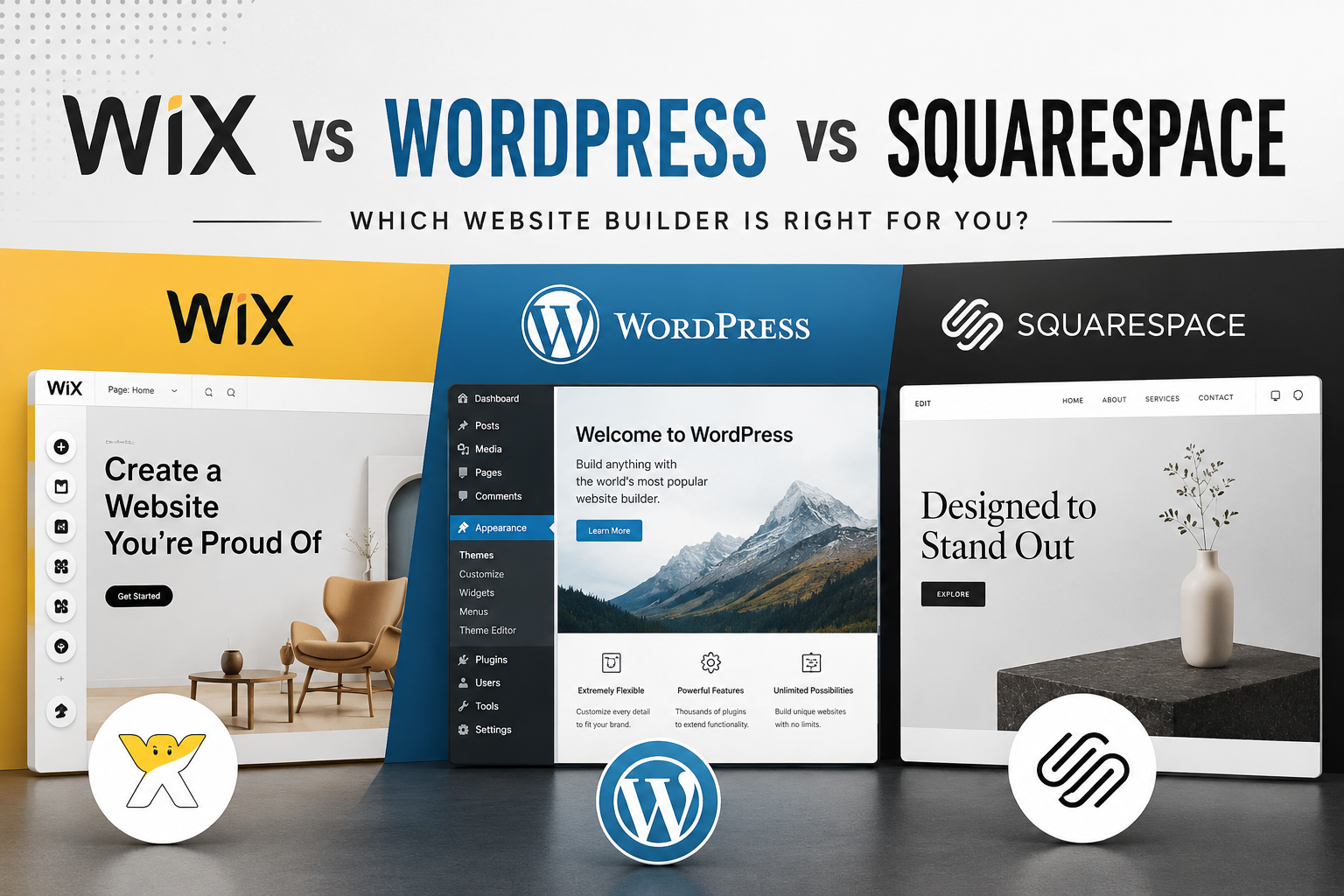
If you’re building a website for your business in the Philippines, three names come up again and again: WordPress, Wix, and Squarespace. They can all get you online — but they’re built on very different ideas about who’s in control, what you’re paying for, and what happens as you grow.
This guide compares the three honestly — where each one shines, where it holds you back, and which makes the most sense for a Philippine small business in 2026.
The quick verdict
| Wix | Squarespace | WordPress | |
|---|---|---|---|
| Easiest to start | ★★★ | ★★★ | ★★ |
| Design flexibility | ★★ | ★★ | ★★★ |
| Room to grow | ★★ | ★★ | ★★★ |
| You truly own it | No | No | Yes |
| Cost model | Monthly forever | Monthly forever | Hosting + one-time build |
Short version: Wix and Squarespace are the easiest way to do it yourself. WordPress is the platform to choose if you want a site you own and can grow — especially with a studio handling the technical side so you skip the learning curve.
Wix — easiest to start, hardest to leave
Wix is a drag-and-drop builder. You pick a template, move things around, and publish — no technical knowledge required. For a quick DIY site, it’s genuinely easy.
The trade-offs: you pay every month for as long as the site exists, and if you stop, the site goes with it. You can’t move a Wix site to another host — you’d have to rebuild it from scratch elsewhere. Once you pick a template, you’re largely locked into it. And as your business grows, you’ll eventually hit limits the platform simply won’t let you cross.
Squarespace — beautiful, but a walled garden
Squarespace makes some of the best-looking templates of any builder, which is why it’s popular with portfolios, restaurants, and boutique brands. If design polish out of the box matters to you, it’s a strong DIY option.
The trade-offs are the same shape as Wix: it’s a monthly subscription with no real ownership, limited flexibility once you want something the template doesn’t do, and no clean way to migrate away. You’re renting a beautiful space you can never actually take with you.
WordPress — the most flexible, and you own it
WordPress powers over 40% of all websites, and for good reason. It’s open-source, endlessly flexible, and it runs on hosting you control. You can start simple and add almost anything later — a store, bookings, a members area — without rebuilding.
The honest catch: that flexibility comes with a slightly steeper learning curve, and you need your own hosting. The good news is this is exactly the part a studio takes off your plate — you get all the ownership and none of the technical headache.
The question that actually matters: do you own it?
This is the difference most people don’t think about until it’s too late. With Wix or Squarespace, you’re renting. Your website lives on their platform, on their terms. Stop paying and it disappears. Want to switch providers? You start over.
With WordPress, you own the files and the database. Your site is portable — you can move hosts, change designers, or bring it in-house whenever you like. For a business investing in its online presence, that ownership isn’t a technicality; it’s the whole point. Your website is an asset, not a rental.
And the long-term cost
Builders look cheap because the monthly fee is small. But it never stops — and it climbs as you add features. Over three or four years, a subscription builder often costs more than a WordPress site that was built once and simply hosted. (We break the numbers down in our guide to how much a website costs in the Philippines.)
So which should you choose?
- Choose Wix or Squarespace if you want to build it entirely yourself, it’s a small or temporary project, and you’re comfortable renting the platform long-term.
- Choose WordPress if you’re serious about your business, you want a site you own and can grow, and you’d rather have professionals handle the setup so you never touch the technical side.
How we do it at KenSuarez Studio
We build exclusively on WordPress, because we want every client to own their website — not rent it. And we’ve made getting started as easy as any builder: pick a ready-made design from our template library, and our Launch Package gets you online with your domain and first-year hosting included. You add your logo and content; we handle everything technical.
When you’re ready for something more tailored, the same site can be fully customised — new layouts, bespoke sections, your own brand photography — without ever starting over. That’s the WordPress advantage: start simple, grow without limits. See the full scope on our web design service page.
Frequently asked questions
Is WordPress better than Wix or Squarespace?
For a business that wants to own and grow its website, yes. WordPress is more flexible and portable. Wix and Squarespace are easier for quick do-it-yourself sites, but you rent them and cannot migrate away.
Do I really own my website on Wix or Squarespace?
No. Both are hosted subscription platforms. If you stop paying, the site is gone, and you cannot move it to another host. With WordPress, the files and database are yours and fully portable.
Which platform is cheapest in the long run?
WordPress usually wins over three to four years. Builder subscriptions are small monthly but never stop and rise as you add features, while WordPress is a one-time build plus modest hosting.
Is WordPress hard to use?
It has a slightly steeper learning curve and needs its own hosting, but if a studio sets it up and manages the technical side, you get the ownership without the hassle.
Can I move from Wix or Squarespace to WordPress later?
You can, but there is no clean export, so it usually means rebuilding the site. Choosing WordPress from the start saves that cost and effort.
The bottom line
Wix and Squarespace are fine for a quick DIY site you’re happy to rent. But if your website is a real part of your business — something you want to own, trust, and grow — WordPress is the platform worth building on. And you don’t have to build it alone.
Not sure which fits your business? Send us a note — no forms, no funnels — and we’ll point you in the right direction, even if that’s not us.