
You launched your website. It looks great, it works, the enquiries are coming in. So it’s finished, right? Not quite. A website is a bit like a car — it runs beautifully at first, but without the occasional service, small problems quietly build up until something goes wrong at the worst possible moment.
That “occasional service” is website maintenance. Here’s what it actually involves, why skipping it is riskier than it looks, and how to decide whether to handle it yourself or hand it off.
What website maintenance actually is
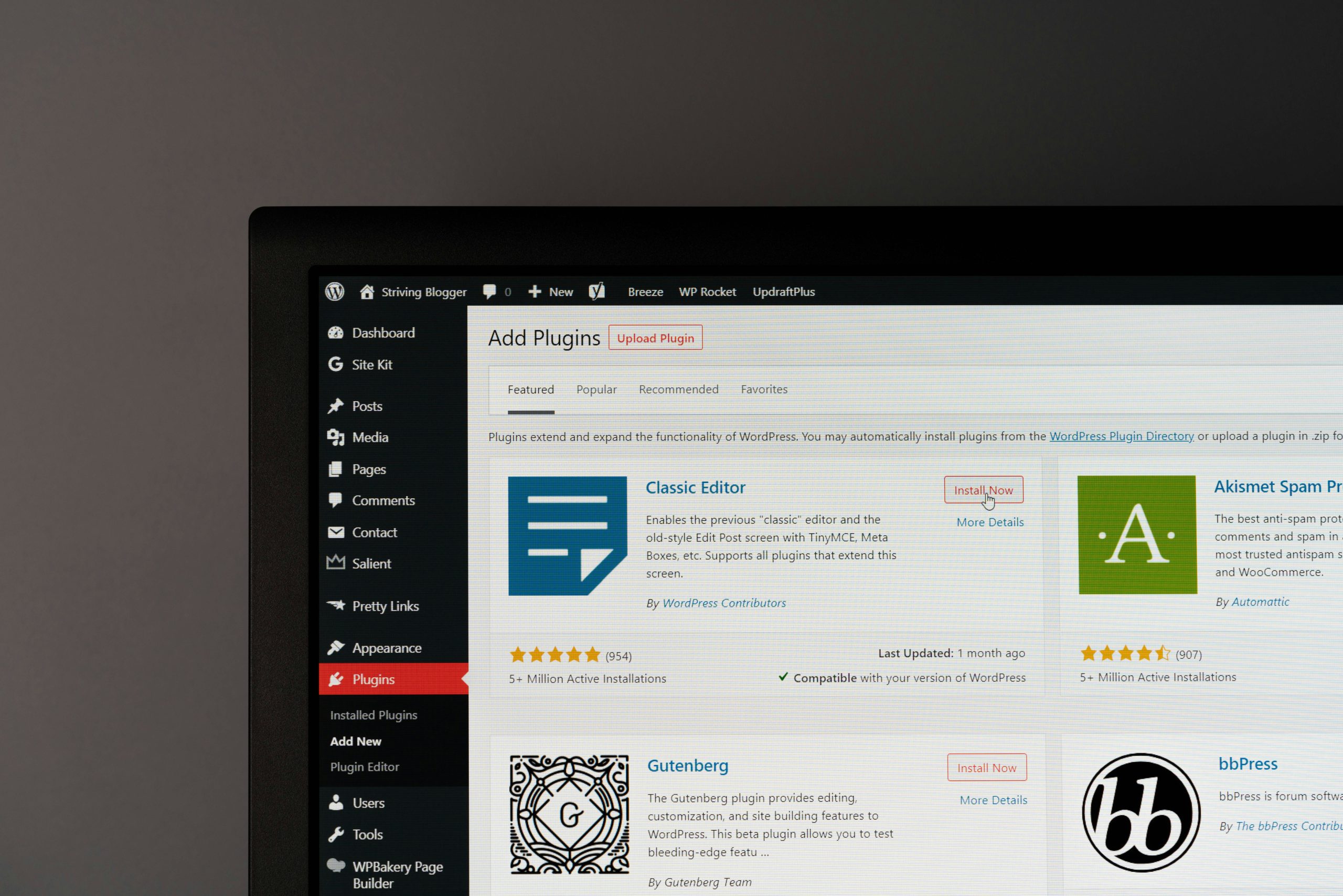
Maintenance is the ongoing behind-the-scenes work that keeps a website secure, fast, and working properly after launch. It’s not glamorous, and when it’s done well you barely notice it — which is exactly the point. Typically it covers:
- Software updates — keeping the platform, theme, and plugins up to date so nothing breaks or becomes vulnerable.
- Security — protecting against hackers, malware, and spam, and watching for anything suspicious.
- Backups — regular saved copies of your whole site, so it can be restored quickly if something goes wrong.
- Performance — keeping pages loading fast as content and images pile up over time.
- Uptime monitoring — making sure the site is actually online and being alerted the moment it isn’t.
- Small fixes and updates — swapping a photo, updating prices, fixing a broken link, adding a page.
Why it matters more than people think
Most websites today — including WordPress sites, which power a huge share of the web — are built from software that updates regularly. Those updates fix security holes and bugs. Ignore them for months, and you’re leaving the door unlocked.
Here’s what neglect actually looks like, and why it’s expensive:
- Getting hacked. Outdated sites are the easiest targets. A hacked site can be defaced, filled with spam, or used to attack your visitors — and Google will flag it, scaring customers away.
- Things silently breaking. A contact form that stops sending, a checkout that fails — and you don’t find out until you notice the enquiries dried up weeks ago.
- Losing everything. Without backups, one bad update or server problem can wipe your site with no way back.
- Slowly getting slower. Speed quietly decays over time, and slow sites lose both visitors and Google rankings.
None of these feel urgent — until one happens. Maintenance is cheap insurance against problems that are painful and costly to fix after the fact.
Can you do it yourself?
You can. If you’re comfortable in your website’s dashboard, you can run updates, set up a backup plugin, and keep an eye on things. Plenty of small business owners do.
The honest catch is time and risk. Updates occasionally clash and break something, and knowing how to undo it safely is its own skill. Most owners either don’t have the hours, or would simply rather spend them running their business than babysitting their website. That’s where a care plan comes in — someone handles all of it quietly in the background, and you get on with your work.
What does website maintenance cost?
In the Philippines, ongoing care plans typically run somewhere around ₱1,500–₱6,000 per month, depending on how much is included and how often you need changes made. It’s a small, predictable cost that protects a much bigger investment — and it’s usually far cheaper than emergency repairs or rebuilding a site that was lost. (We cover this alongside the other running costs in our website cost guide.)
How we handle it at KenSuarez Studio
Every site we build is designed to be looked after, and we offer ongoing care so you never have to think about the technical side. Updates, backups, security, monitoring, and small content changes are all handled for you — your site stays secure, fast, and current while you focus on your business.
It’s the natural next step after launch, and it pairs with everything on our pre-launch checklist. Whether we built your site or someone else did, we can help keep it running well — see our web design service or just get in touch.
The bottom line
A website isn’t a one-time purchase — it’s something that needs a little ongoing care to stay secure, fast, and reliable. You don’t have to do it yourself, but it does have to be done. Treat maintenance as protecting an asset you’ve already paid for, and you’ll avoid the kind of problems that are far more expensive than the upkeep ever was.
Frequently asked questions
What is website maintenance?
Website maintenance is the ongoing work that keeps a site secure, fast, and working after launch — software updates, security, backups, performance, uptime monitoring, and small content fixes. It’s the routine upkeep that prevents bigger problems later.
Do I really need website maintenance?
Yes, especially for modern platforms like WordPress that update regularly. Skipping maintenance leaves your site vulnerable to hacks, silent breakages, and slowdowns. It’s inexpensive insurance for an asset you’ve already invested in.
What happens if I don’t maintain my website?
Over time an unmaintained site becomes an easy target for hackers, features like forms or checkouts can quietly break, it slowly gets slower, and without backups a single problem can wipe it entirely. These issues are far more costly to fix than to prevent.
How much does website maintenance cost in the Philippines?
Ongoing care plans usually run around ₱1,500–₱6,000 per month, depending on what’s included and how often you need changes. It’s a small, predictable cost that protects a much larger investment.
Can I maintain my WordPress site myself?
You can if you’re comfortable in the dashboard — running updates, setting up backups, and monitoring the site. The trade-offs are time and the risk of an update breaking something. Many owners prefer a care plan so it’s handled safely in the background.
Want your website looked after so you never have to think about it? Send us a note — no forms, no funnels — and we’ll sort out the right care plan for you.